Create and manage your responses
Echow offers a feature called “automation” to automatically send a message to anyone who mentions your Instagram account in a story. It’s a convenient way to thank your followers, share links, or provide an attachment. In this article, you will learn how to set up and manage these responses.
Introduction
Echow offers a feature called “automation” to automatically send a message to anyone who mentions your Instagram account in a story. It’s a convenient way to thank your followers, share links, or provide an attachment. In this article, you will learn how to set up and manage these responses.
Before you start
Make sure your Instagram account is connected to Echow.
Check that you have access to the “automation” section.
Prepare the message you want to send automatically: a clear text, possibly accompanied by a link or a visual.
1. Go to the “Automation” page
Log in to your Echow interface and go to the “Automation” page of the profile of your choice
Click on “Edit”
To create or modify a response, you must switch to edit mode. If you remain in read-only mode, you will not be able to make changes.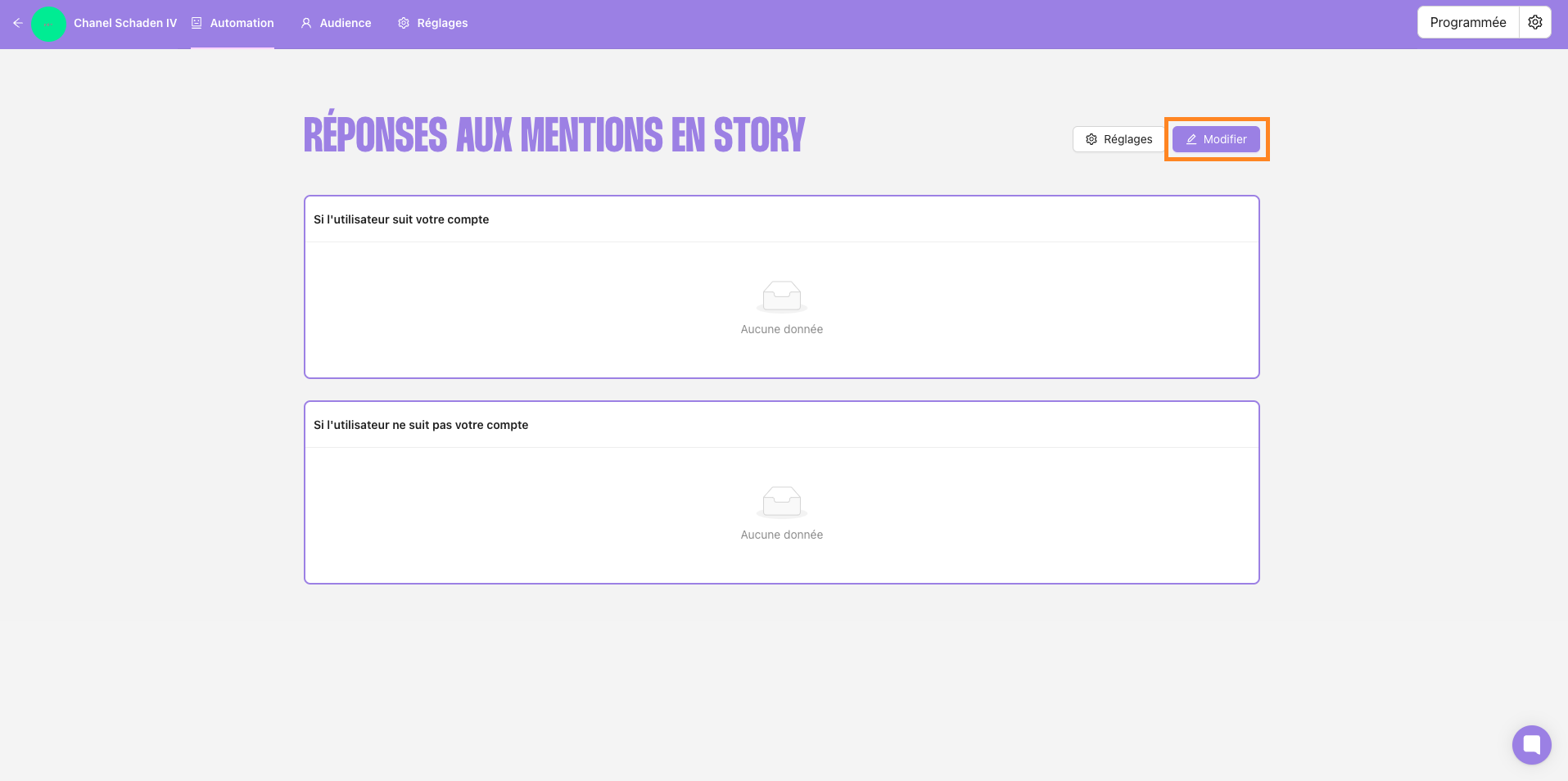
2. Create a response
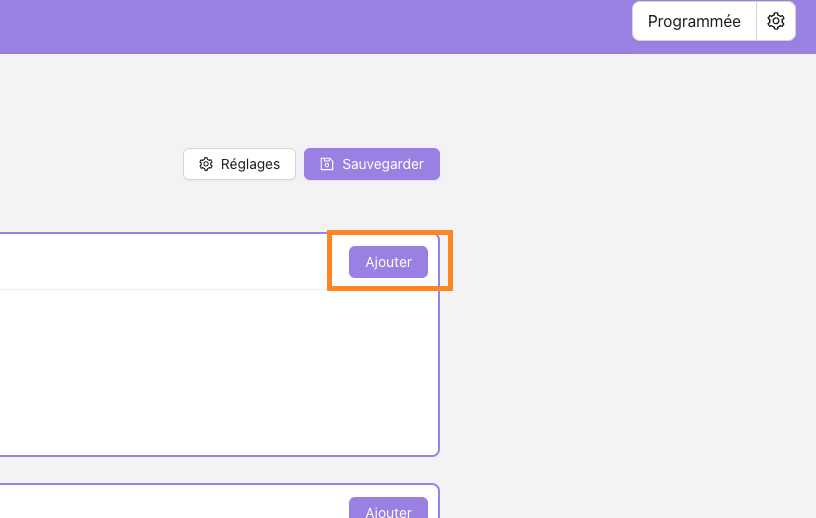
Click on “Add”
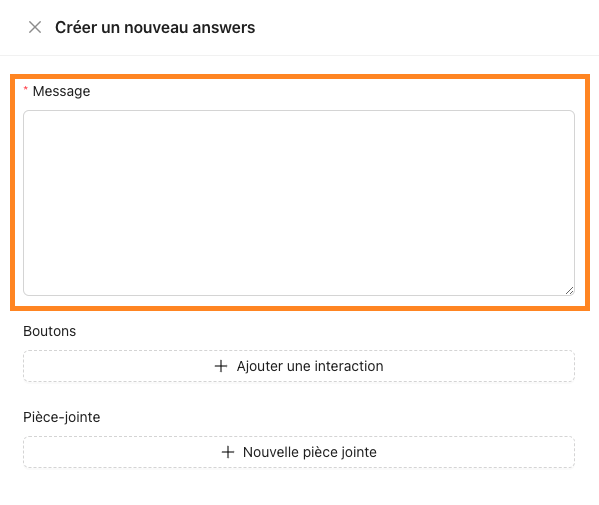
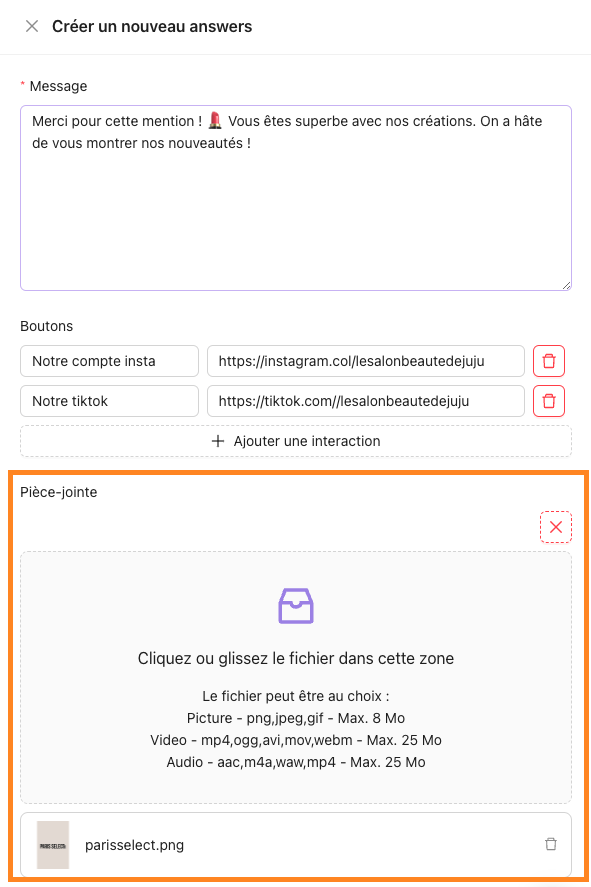
Fill in the “Message” field
Enter the text that will be sent as soon as a user mentions you.
A short and personalized message is often more appreciated (thanks, teaser, useful link, etc.).
Add interactions (optional)
You can insert up to three buttons that will appear below the message, each redirecting to a different link.
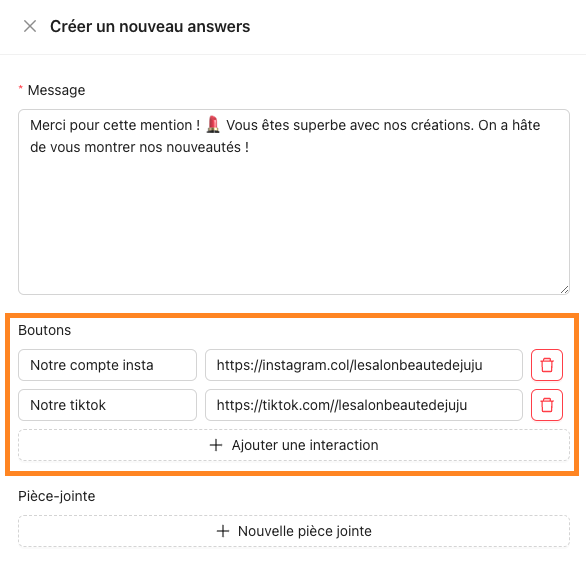

Good to know: Plan catchy button labels, for example “Discover my site,” “Sign up for the newsletter,” etc.
Add media
You can also attach a file (image, video, audio) by adhering to the allowed formats and maximum size.
Save the response
Confirm your creation by clicking on “Save”.
3. Manage existing responses
Edit a response
In the list, locate the response to update and click on the “pencil” icon
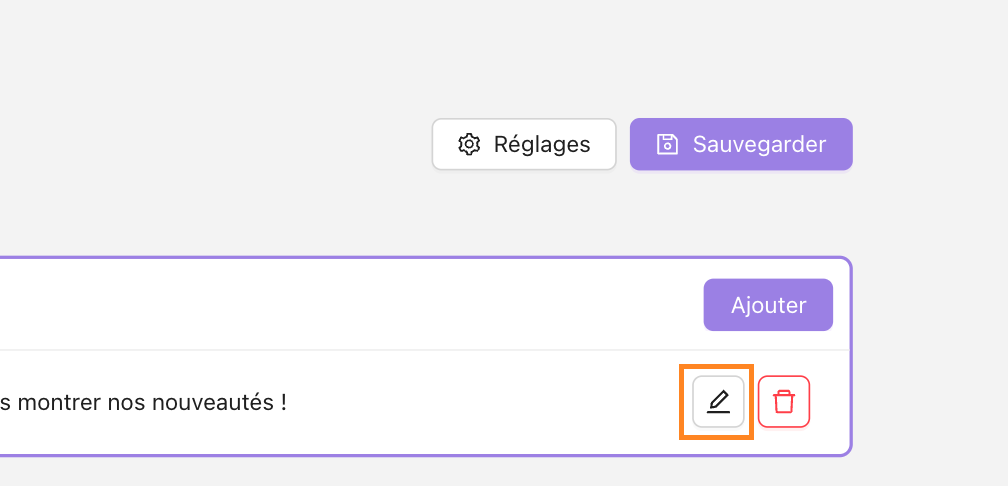
Change the text, links, or attachment as needed.
Don’t forget to save your changes.
Delete a response
Identify the response to delete and click on the “red trash can” icon. Confirm the deletion if a pop-up window appears.

Warning: Deleting a response is a permanent action.
4. Varying your messages: probability of sending
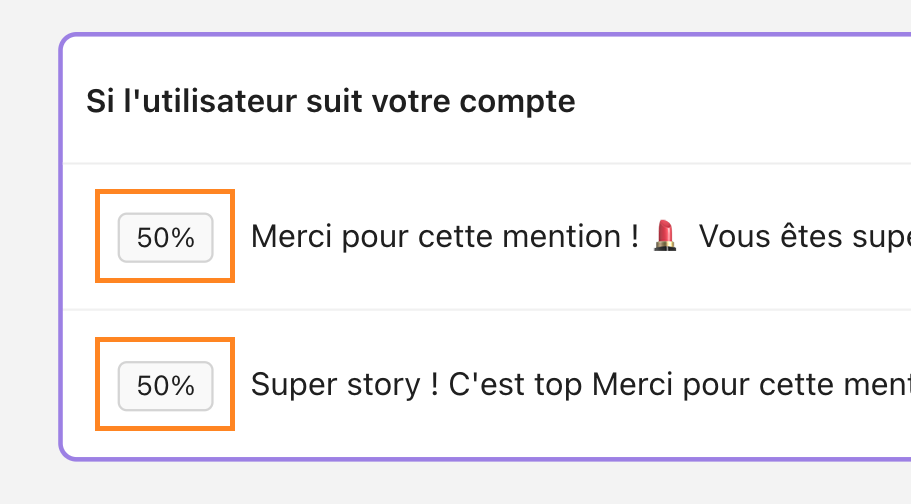
If you have multiple active responses for the same context, Echow assigns them a percentage (e.g.: 50%, 25%, etc.). This percentage indicates the likelihood that a particular response will be selected and sent.
Why vary?
To avoid all users receiving the same message and to give a more natural impression.
5. Differentiate responses for followers and non-followers
Echow can allow you to customize responses depending on whether the person mentioning you already follows your account or not. For example:
Follower response: “Thank you for following me! Enjoy this special promo code.”
Non-follower response: “Welcome! Feel free to follow to discover more content.”
Conclusions
You now know how to create, modify, and organize your automatic responses using Echow. Keep in mind:
Test your responses : Mention your account via another profile to check the rendering and actual sending.

Update regularly : Links, visuals, and messages must remain relevant over time.
Avoid saturation: Vary your messages and consider the probability function to avoid the “copy-paste” effect.